
A teleprompter for self-tapes
Keep the words close to the lens, so a glance at them still reads as a look at your reader.
Off book if you can
Casting wants to see you play the scene, not read it, so learn it if there's time. A prompter is the safety net: for sides that arrived late, a page that's been rewritten, or a cold read.
Eyeline
Unless the brief says otherwise, play to a point just beside the lens, not into it: that's where your reader would be. Put the reader, or a mark if you're alone, right there, on the side the scene suggests, and at the camera's height. Looking down to a script on your lap is what a prompter saves you from; looking somewhere near the lens reads as thinking. Keep it consistent: if the other character is on your left, they stay on your left for the whole scene.
Framing and light
Set the camera at eye level, steady, and frame from the chest up unless you're asked for something else. Face a window or a soft light, with a plain background behind you. Record a few seconds and play them back to check the picture and the sound before you start.
Your reader
Your reader is off camera and nearer the microphone than you, so ask them to read quietly and plainly, and to give you the cues on time. If you've no one, record the reader's lines and play them in.
If the notes ask for a slate, record it the way they say, usually your name and sometimes your height, agent or where you're based. Then name the file as they ask, and keep your best takes.
In Linesmith
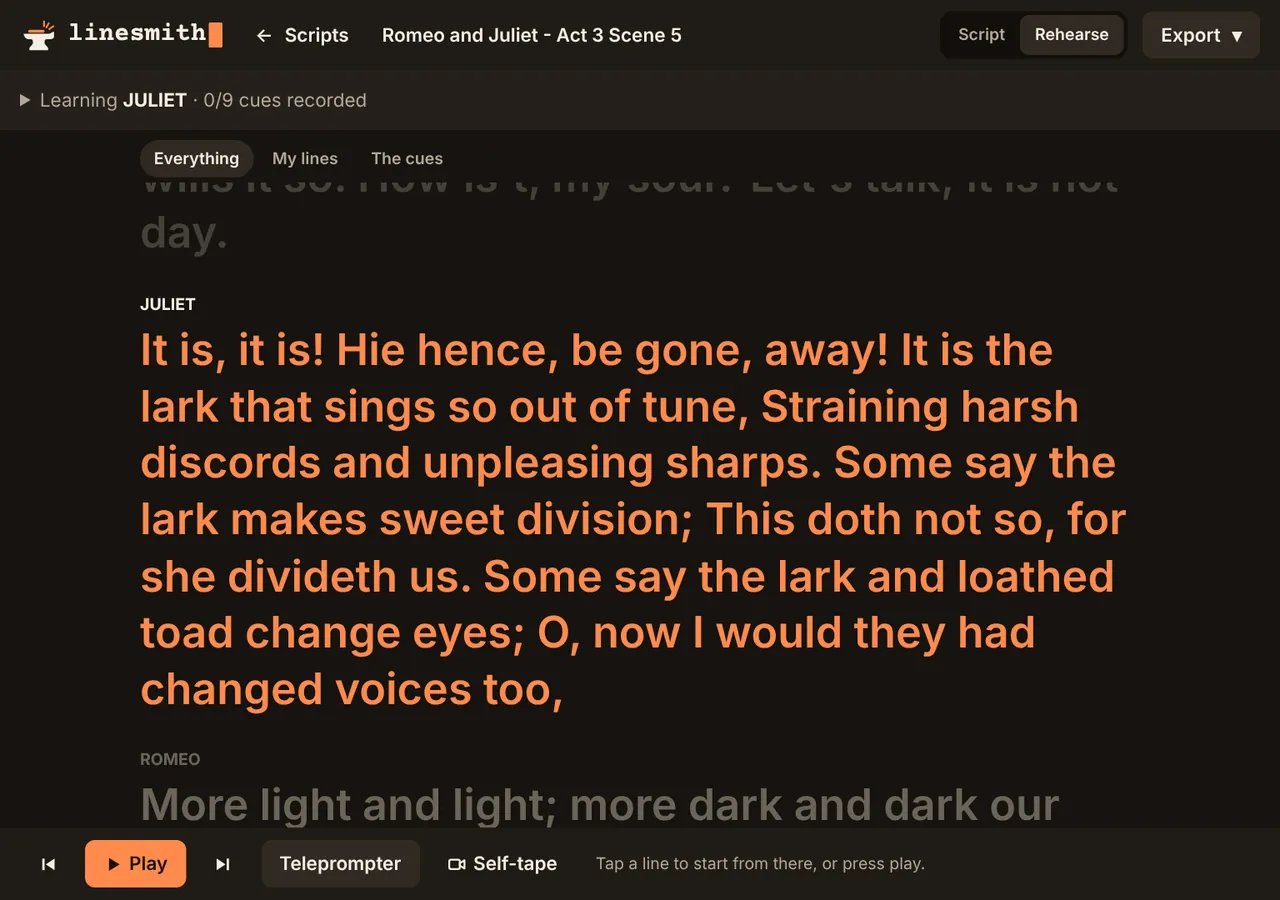
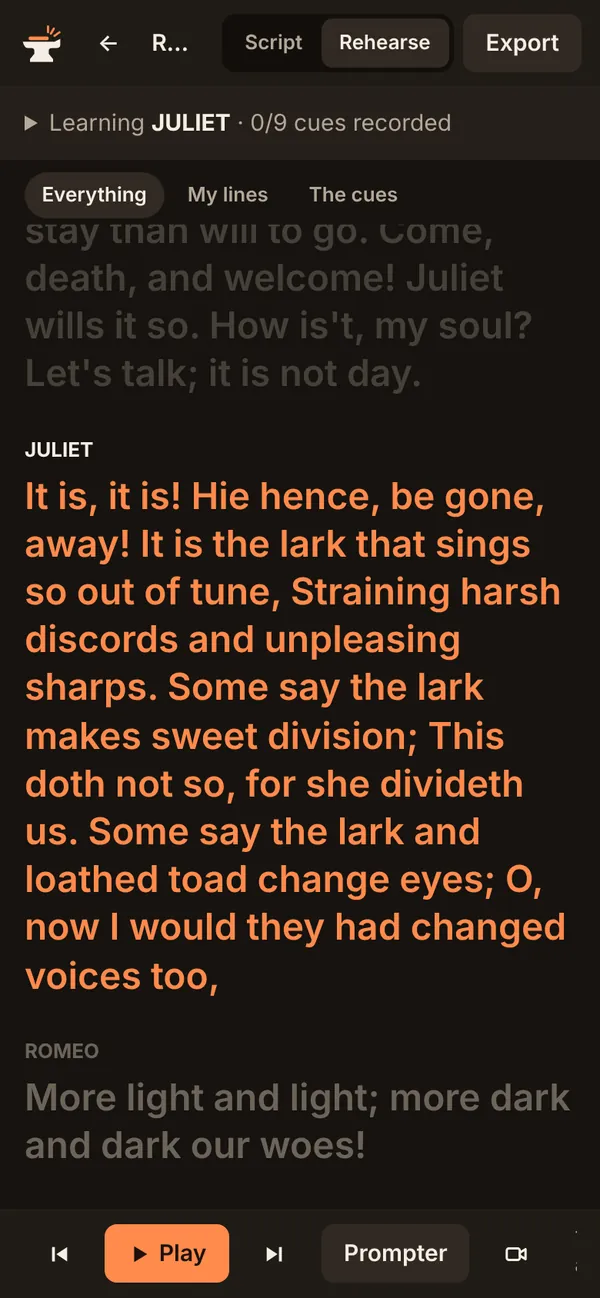
Self-tape opens the camera above your lines, front or back, with a thirds guide. Record take counts you in, runs the scene while it records, and stops after the last line. Turn the teleprompter on and the scene sits above the picture, near the lens, in large type that follows the run, with your lines brighter; show the whole scene, only your lines, or only the cues into them.
Recorded cues can be mixed straight into the take for a clean reader, or played aloud for the microphone to hear, each at a quieter volume while taping. Only recorded cues can be mixed in, since a browser can't capture its own computer voice. Takes stay on your device: watch them, star the best, and save each as a file named for casting.